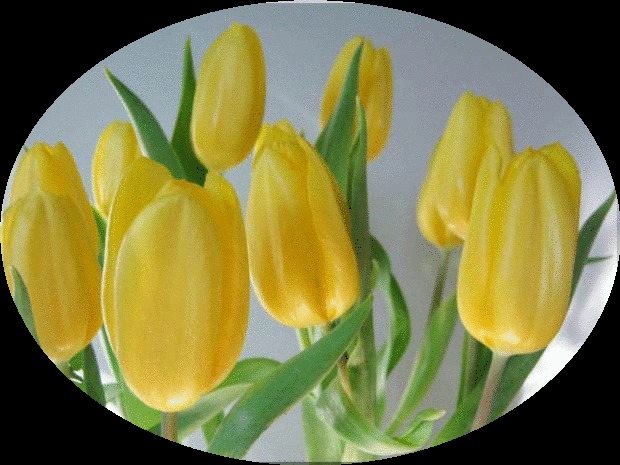
The focus of yesterday’s post was a stand-alone photograph of yellow tulips. The flowers are beautiful on their own, but today I’m in a “tweaking” mood. I’m going to go to LunaPic and tweak the photograph a bit.
Tweaking – to change (something) slightly in order to improve it : to make small adjustments to (something) ~ Merriam-Webster Dictionary
To start: Upload your photograph to LunaPic. I have found if the upload in the center of the page does not work, it’s best to go to the “File” drop down box, click on “Upload Multiple Images,” and get your photo loaded with that command.
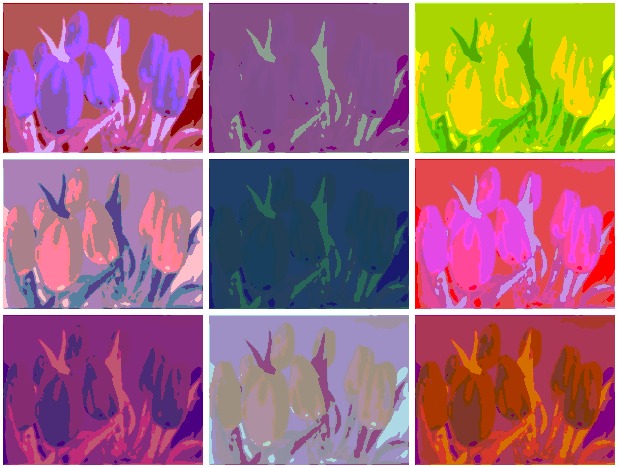
Here are a few samples of LunaPics Free Effects. Remember to “SAVE” your tweaked photograph before you exit the site. Anything not saved will be lost.
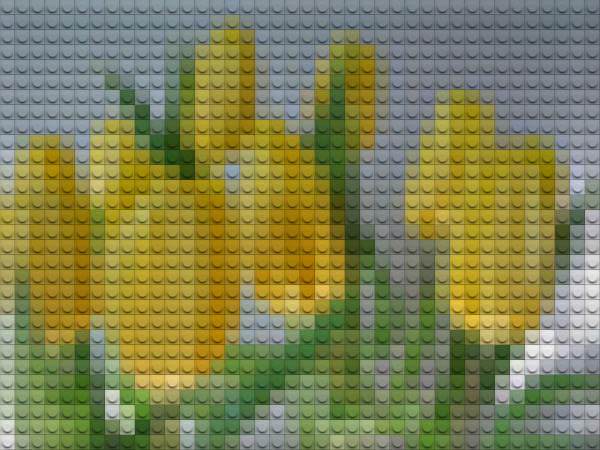
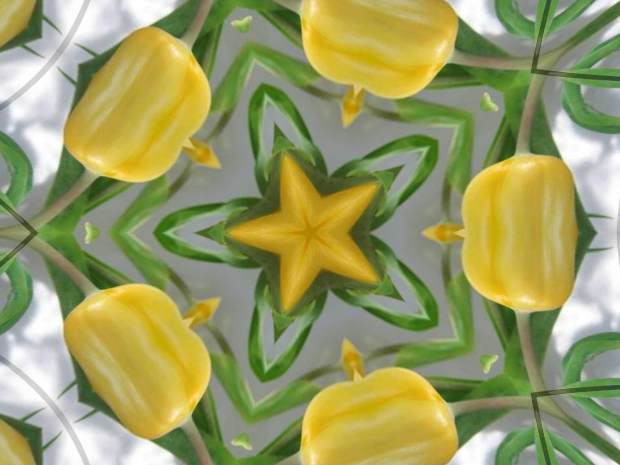
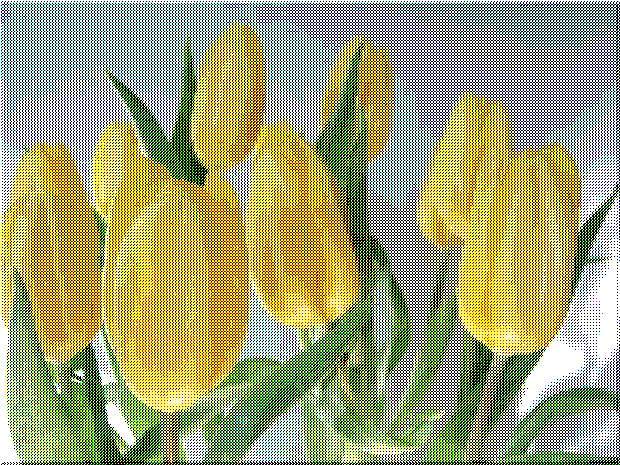


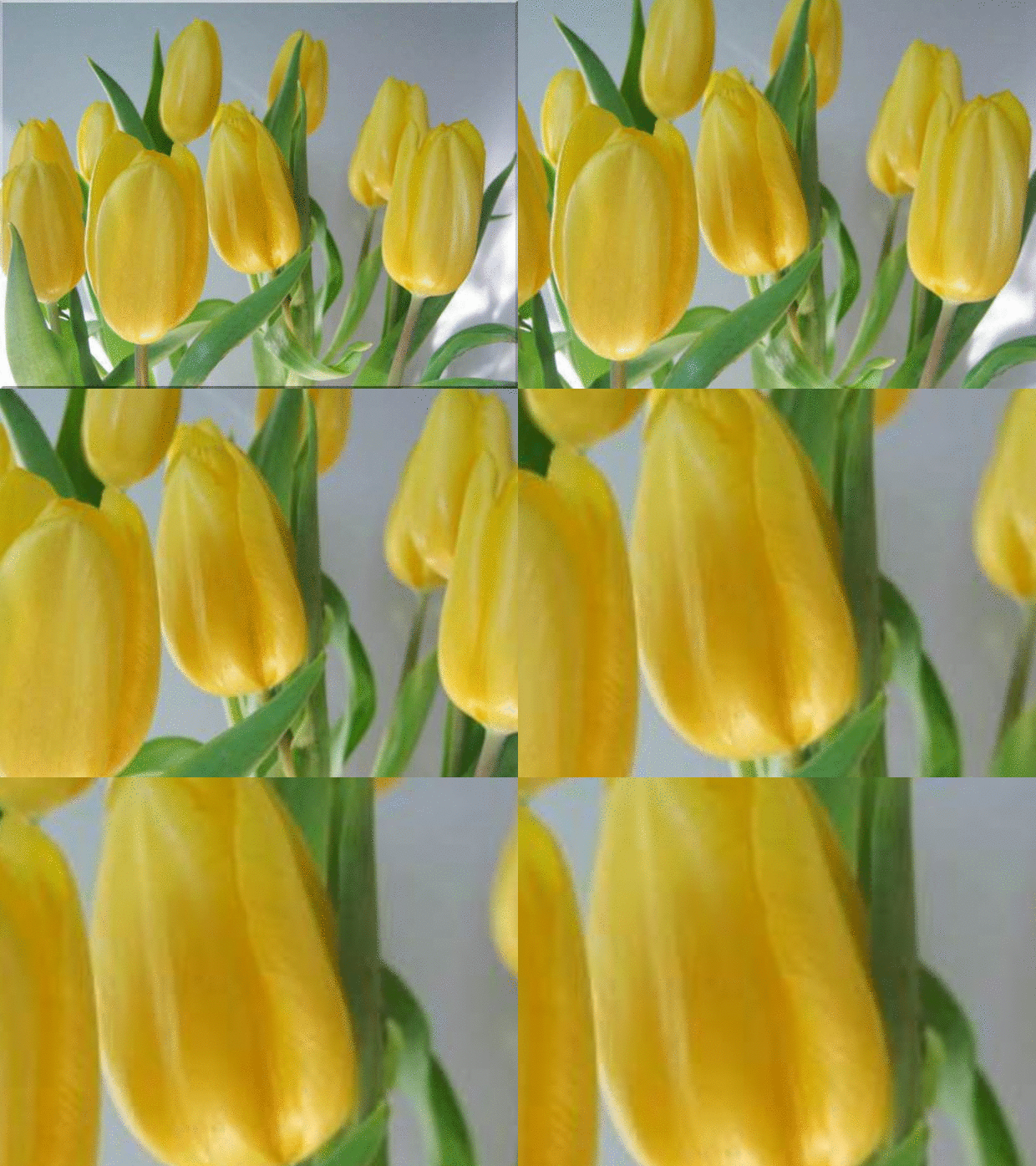
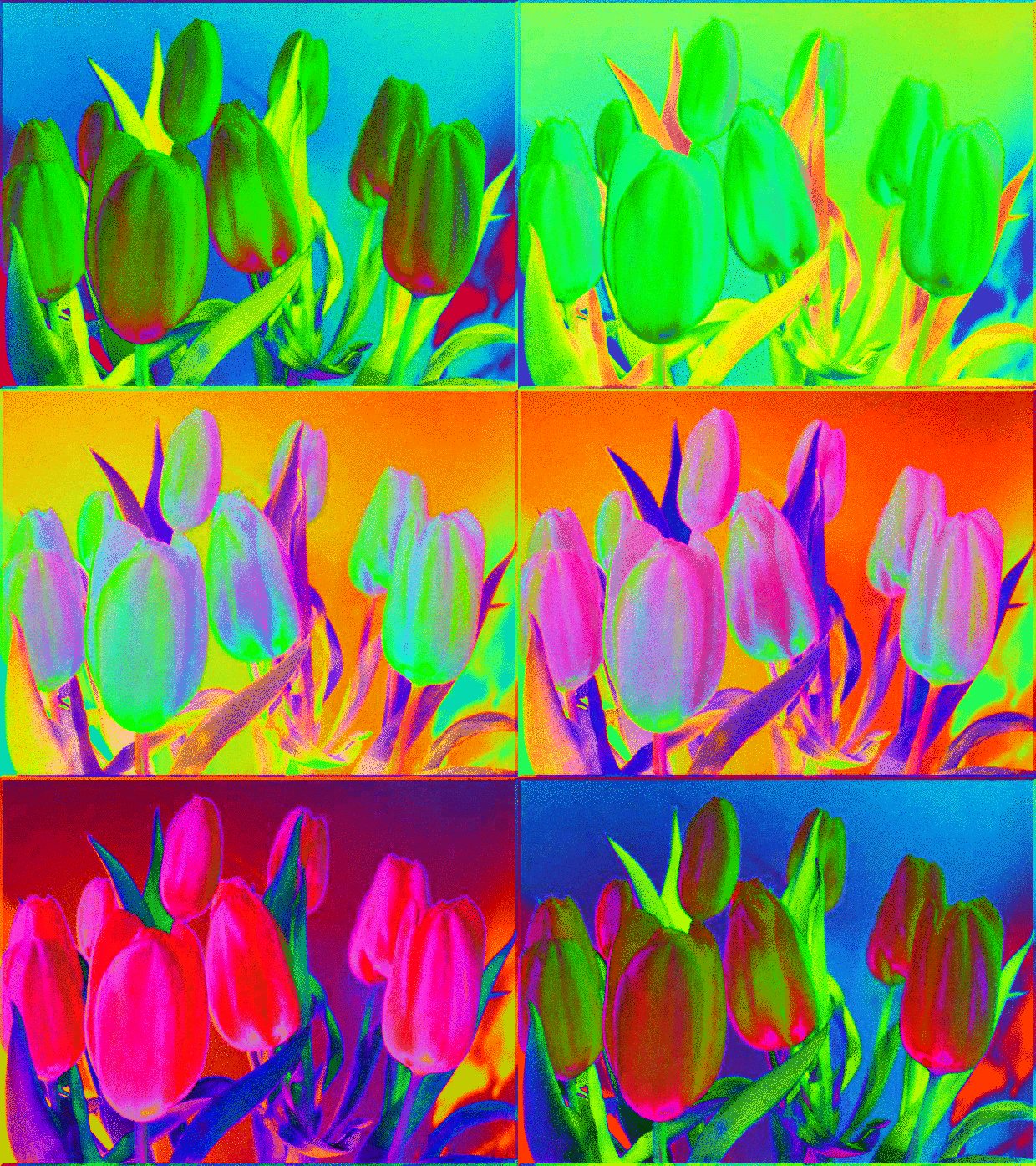
Yikes! The animated effects can make me a little dizzy. There are so many effects and combinations to have “phun” with on the LunaPic Site. I’ve only shown a few. Give LunaPic a try…Happy Tweaking!

