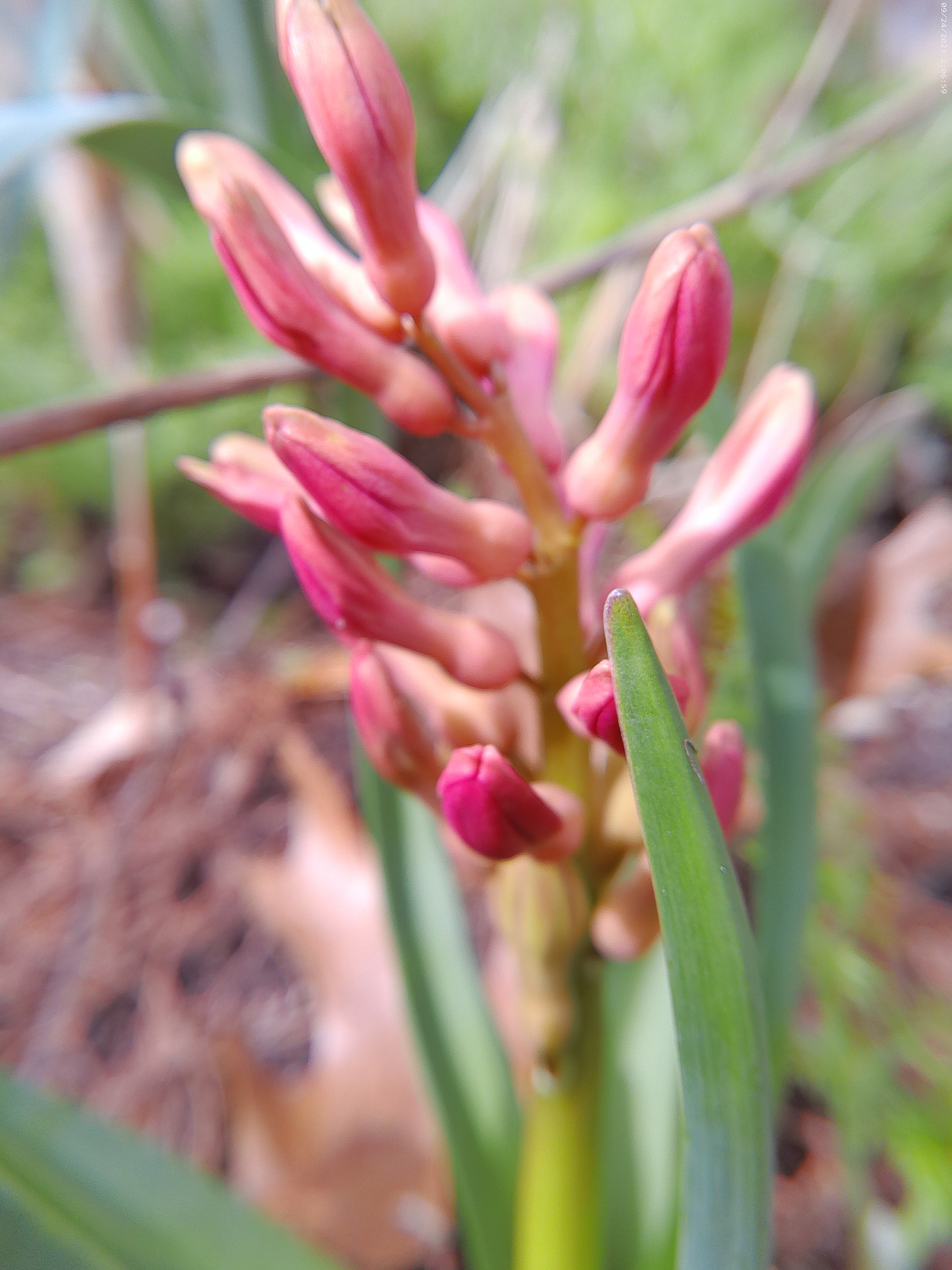
Yesterday, I wandered around the backyard and noticed quite a few early Spring bulbs emerging. The Hyacinths were just beginning to unfurl their first petals and were awash in bright colors even before they were totally out of the cold earth. I snapped a few photos with my camera’s macro lens. I’ve noticed that for every one photo in the macro mode that is a success, two are usually blurry and unusable, but this close-up portrait of a coral hyacinth turned out well. I love the way the macro lens focuses on the subject and blurs the background into a lush backdrop. I decided to use this simple photo for the March Challenge, hosted by Xingfu Mama, titled One to Three Photo Processing.
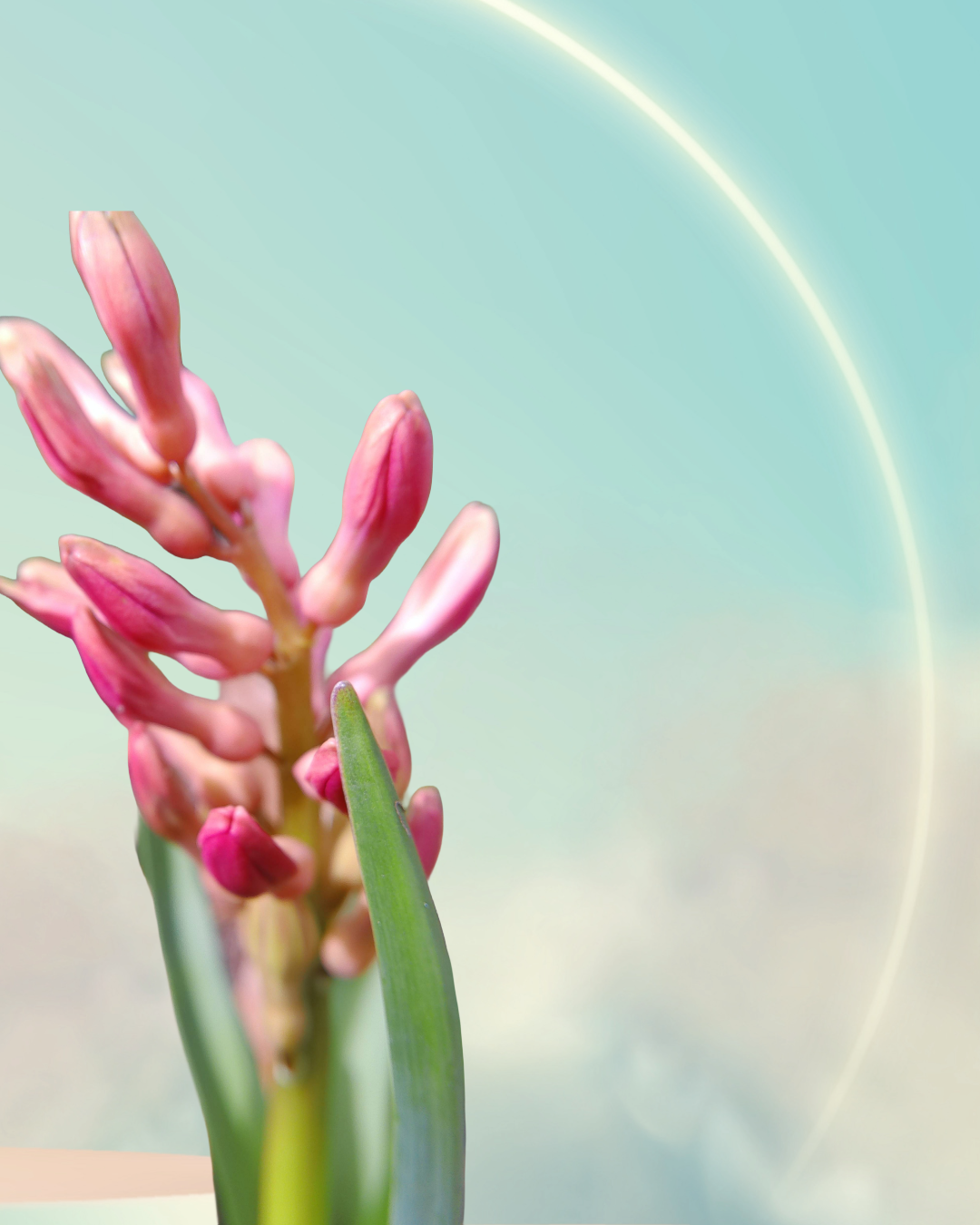
My first attempt at processing was the most ambitious. I used Adobe Express and chose a Robin’s Egg Blue background with a half circle of light on the right-hand side. I added my photo, then used the background remover tool in Adobe Express to remove the entire background with just one click. This process enhanced the flower color with a complementary shade, making it even more of a star. The photo eventually became today’s encouraging word in my Signpost Blog.
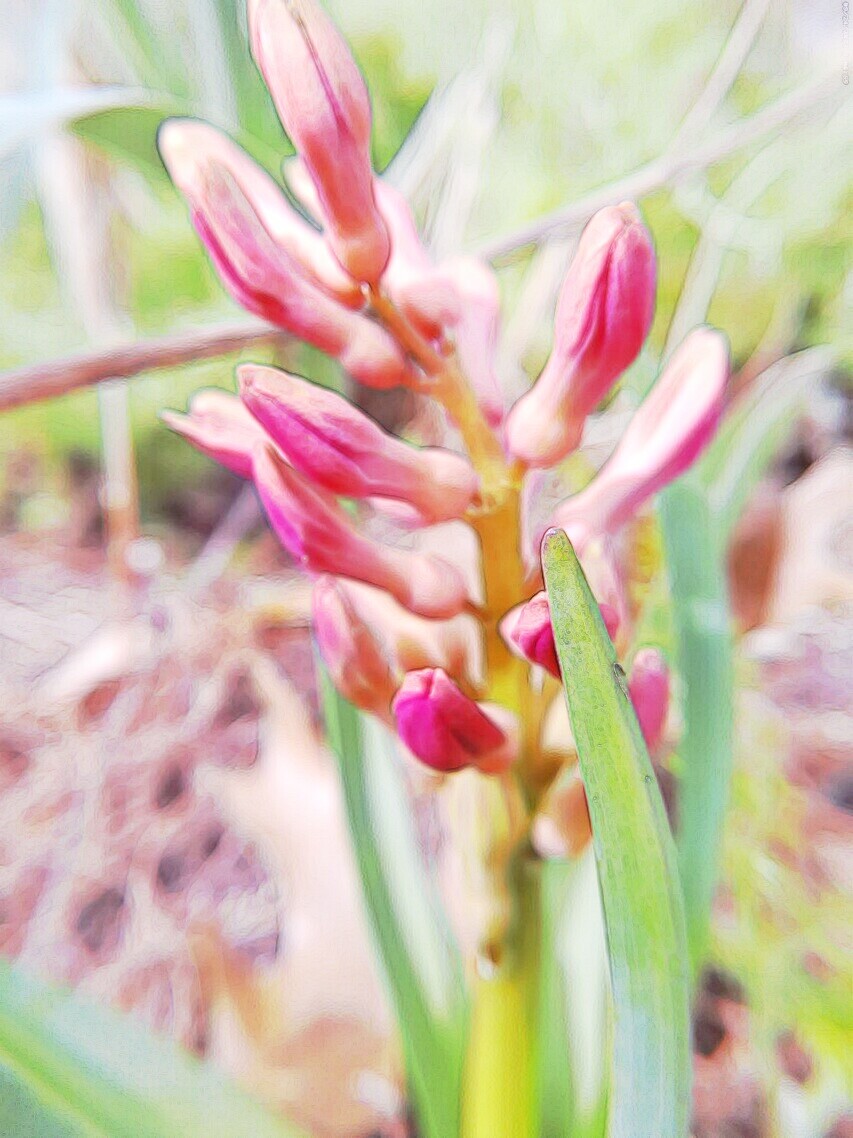
My second attempt at processing the photo used Lunapic. Lunapic is a free photo-processing site that is so much fun to use. This photo was processed with the Effect – Surreal Painting.
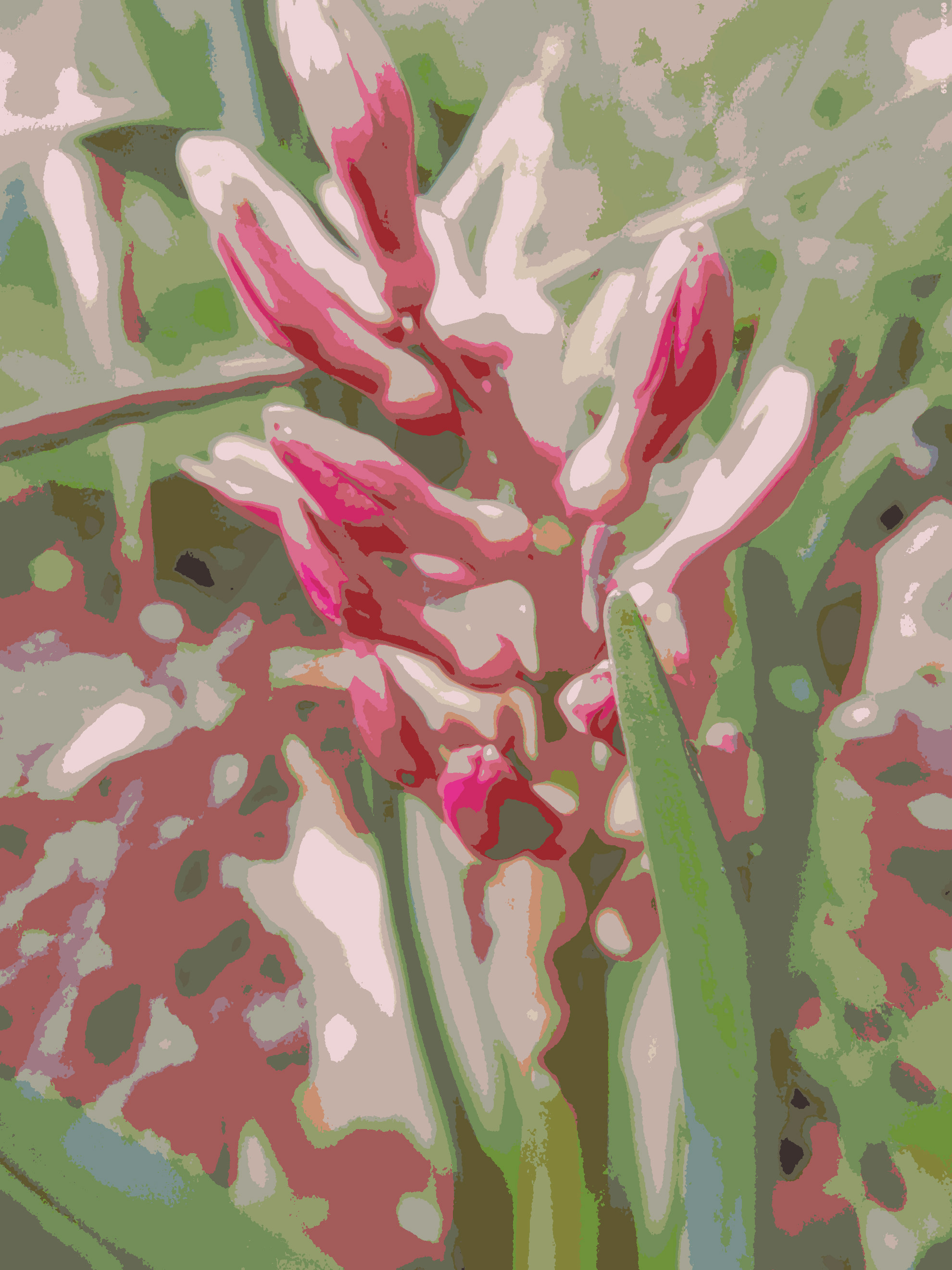
My third try used Ribbet and the Posterize filter. If you want to isolate some of the colors for creating artwork, the Posterize filter lets you see the photo with new eyes.
Thank you to Xingfu Mama for hosting this challenge.


fabulous! 🌸❤️
LikeLike
Thanks so much!
LikeLiked by 1 person
so welcome!! xx
LikeLiked by 1 person
Lovely 😀 Original photo is gorgeous and like the arty ones 😀
LikeLiked by 1 person
Thanks Ananka, it’s fun to tweak them.
LikeLike
Oh, I can almost smell them, lovely!
LikeLiked by 1 person
They are so fragrant. I get down on my knees to smell them if I don’t cut them for the house. Thank you.
LikeLiked by 1 person
Pingback: One-to-Three Photo Processing Challenge-April 2026 | XingfuMama
You did so well with this challenge…thank you for sharing, I’m off to check out LunaPic!! Those hyacinths are going to be so beautiful when they fully bloom. Enjoy!
LikeLiked by 1 person
I love LunaPic, have fun!
LikeLiked by 1 person