
I love these pictures of crows my cousin recently sent to me. Check out the way the crow on the right seems to be supervising the one who is drinking. This photo would make a cute painting.
When I want to jump start a sketch from a reference photo I often begin the work in my Photo Explosion Image Editor. Even the most basic of computer programs will usually have some sort of photo editor. There are many photo workshop programs you can purchase, there are even some free downloads. Gimp is a great choice for a free program. I have a link to the website here: Free Gimp Download

Remove the color from your photo by taking the color saturation down to zero. This will leave you with a nice black and white image.
If you have a filter system with your program, find the edge command and highlight the edges either with “Find all edges, Glowing Edges or Trace Contour.” Resize the photo to your finished dimensions. Save it. If you cannot print it out at the size it is, crop it and print it, but don’t save at this point. Close, reopen, crop and print the other areas of the picture. You can tape these together and have a good head start on sketching your reference photograph. It’s good to be able to sketch freehand, but this process of sketching saves hours and hours of time.
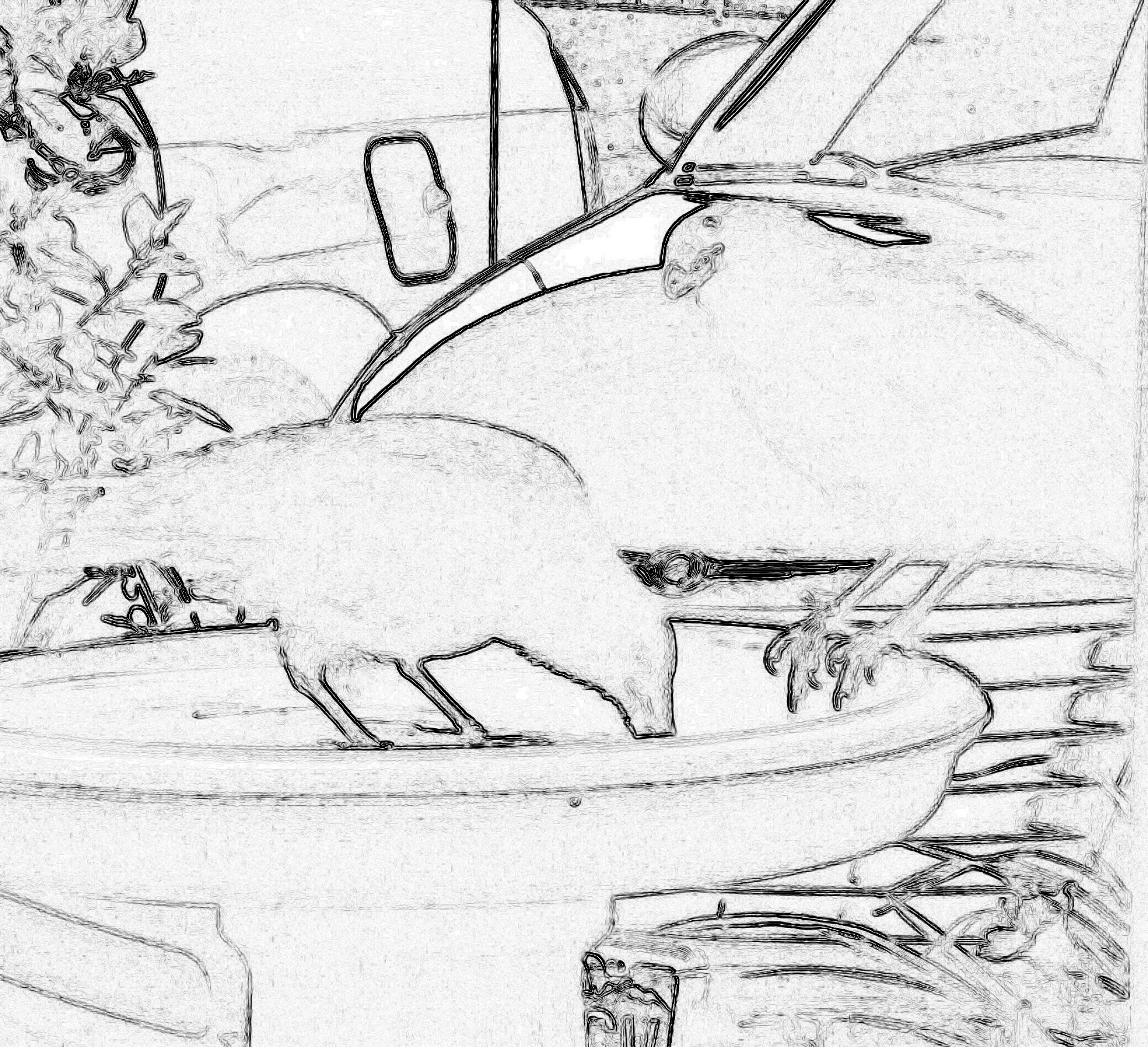
Find Edges
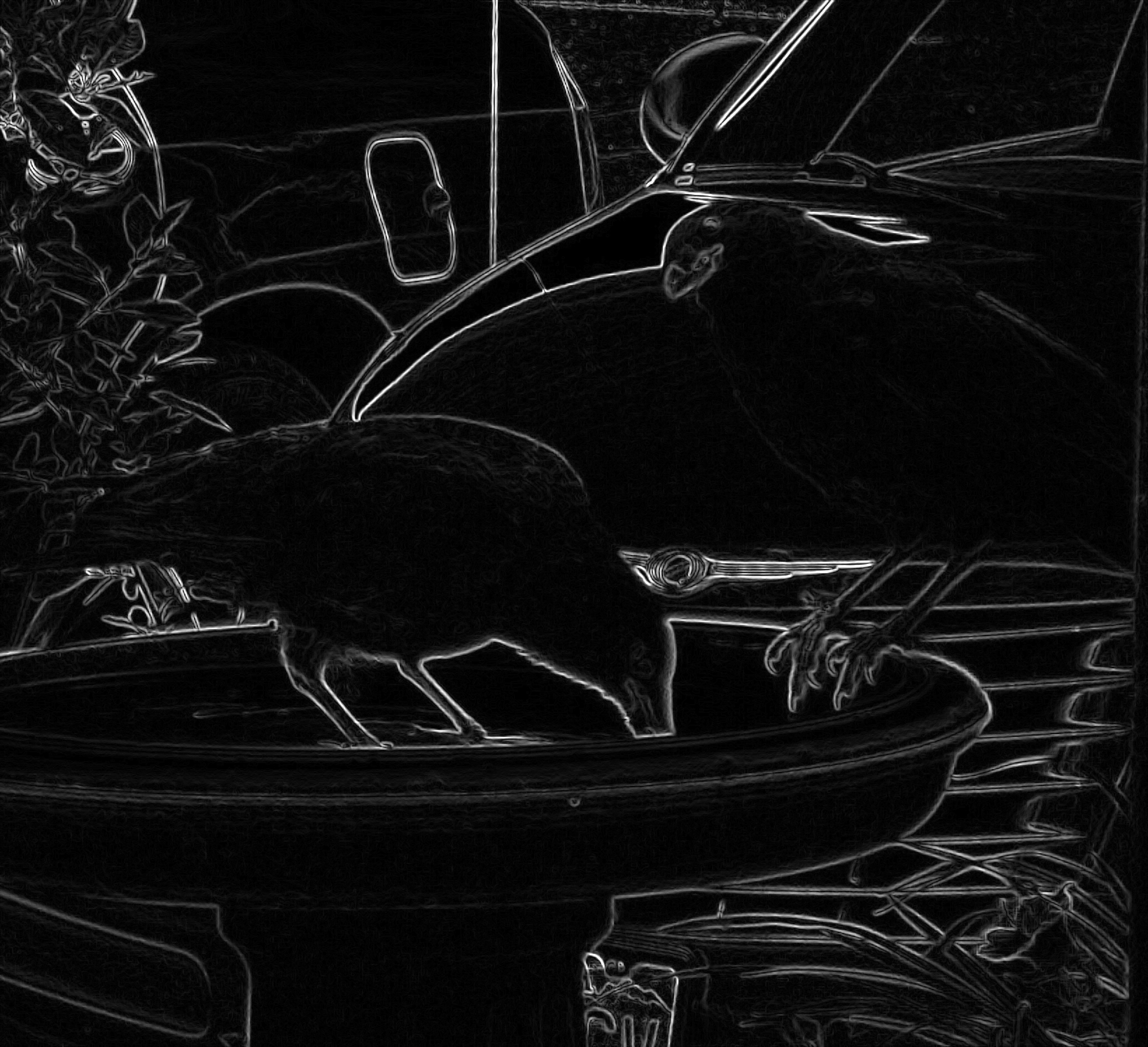
Glowing Edges
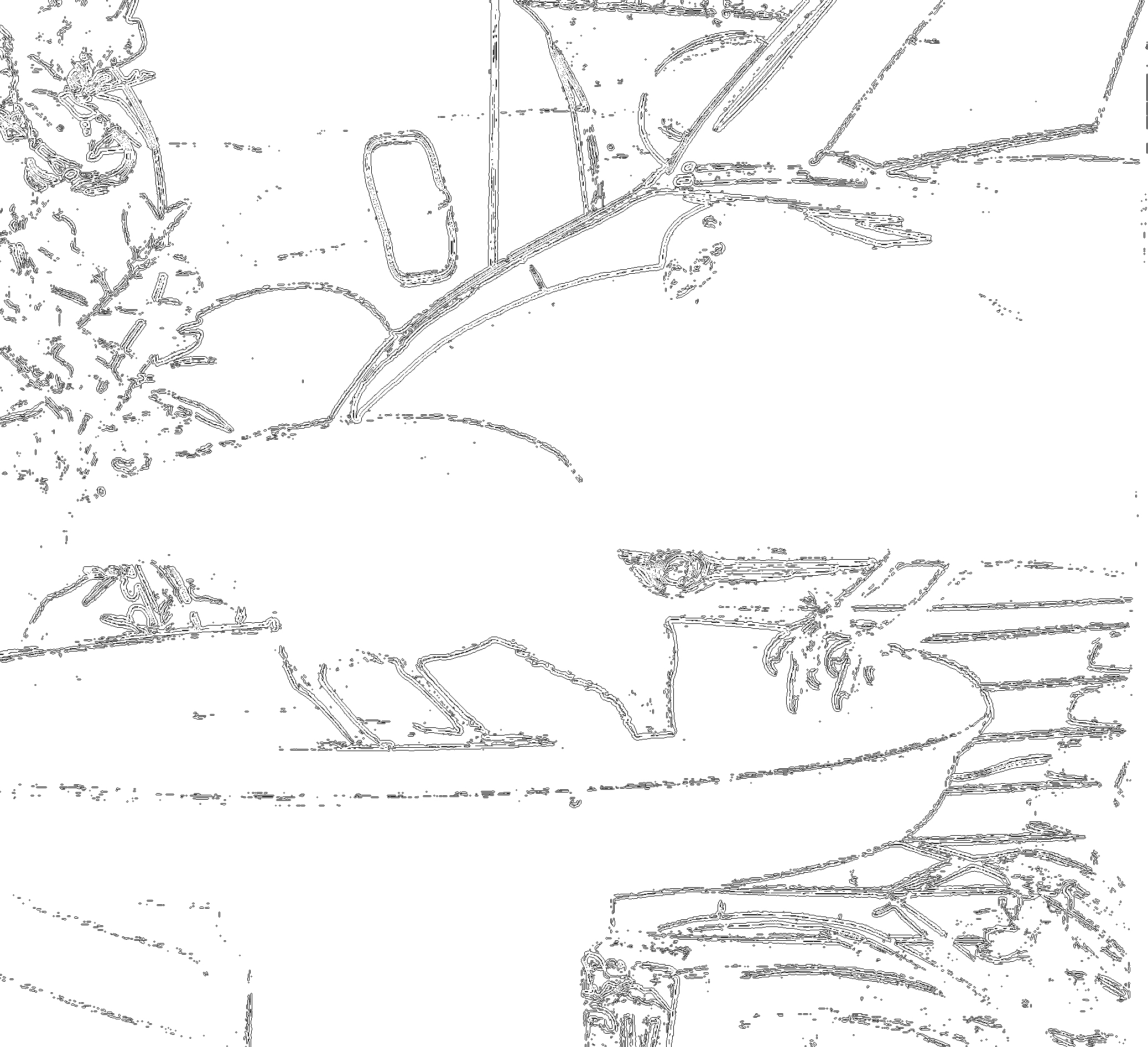
Trace Contour
If you don’t want to print out the photo you can also put clear plastic sheets over computer screen and sketch that way. Not quite as easy, but it works.
Click Box Below to Follow me on Pinterest


