Photo Challenges – One-To-Three Photo Processing

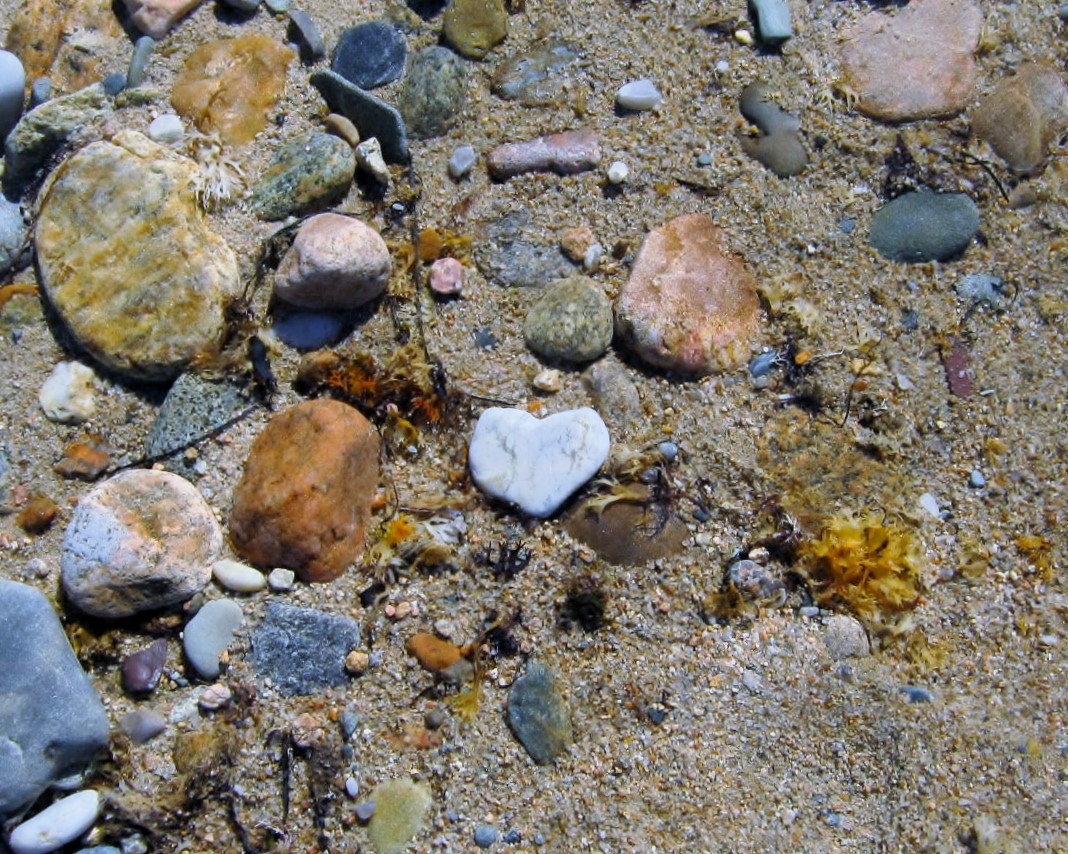
February seems a perfect month to take part in Xingfu Mama’s One-To-Three Photo Processing challenge. My original photo was taken on the beach of Block Island, Rhode Island. The beachy scenery beneath your feet is half pebbly rocks, half coarse sand. I don’t know another place where I have seen so many beautiful stones. If you search long enough, you will eventually find a few heart-shaped rocks.

The goal of the One-to-Three Photo Processing Challenge is to change the original photo three ways.
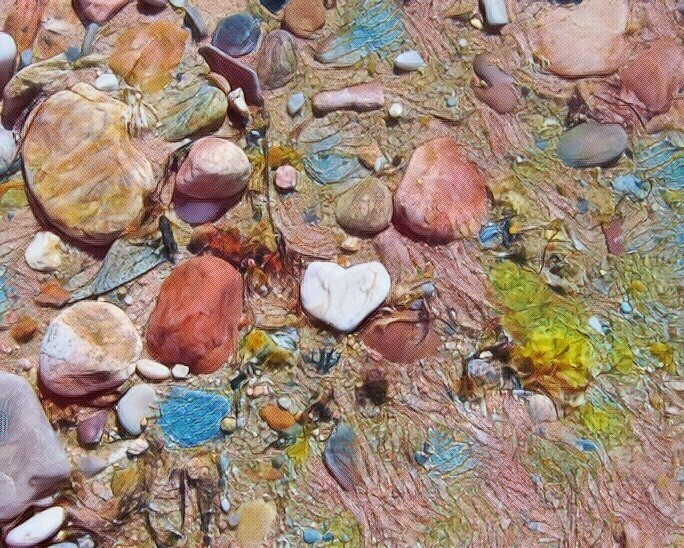
The first processed photo was filtered in LunaPic.com using an art filter called Beauty. I like the colors and the way the heart-shaped rock remains the focal point.
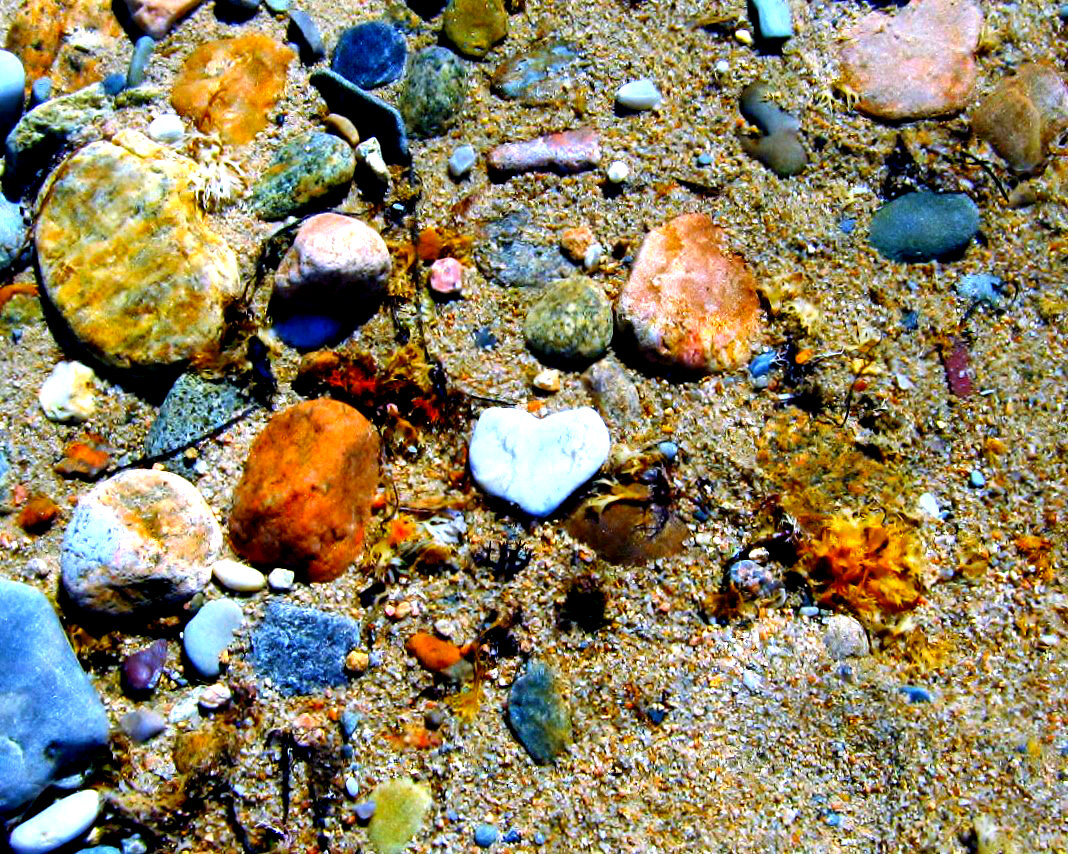
The second process was created in Ribbet.com and, as the name implies, is a Boost.
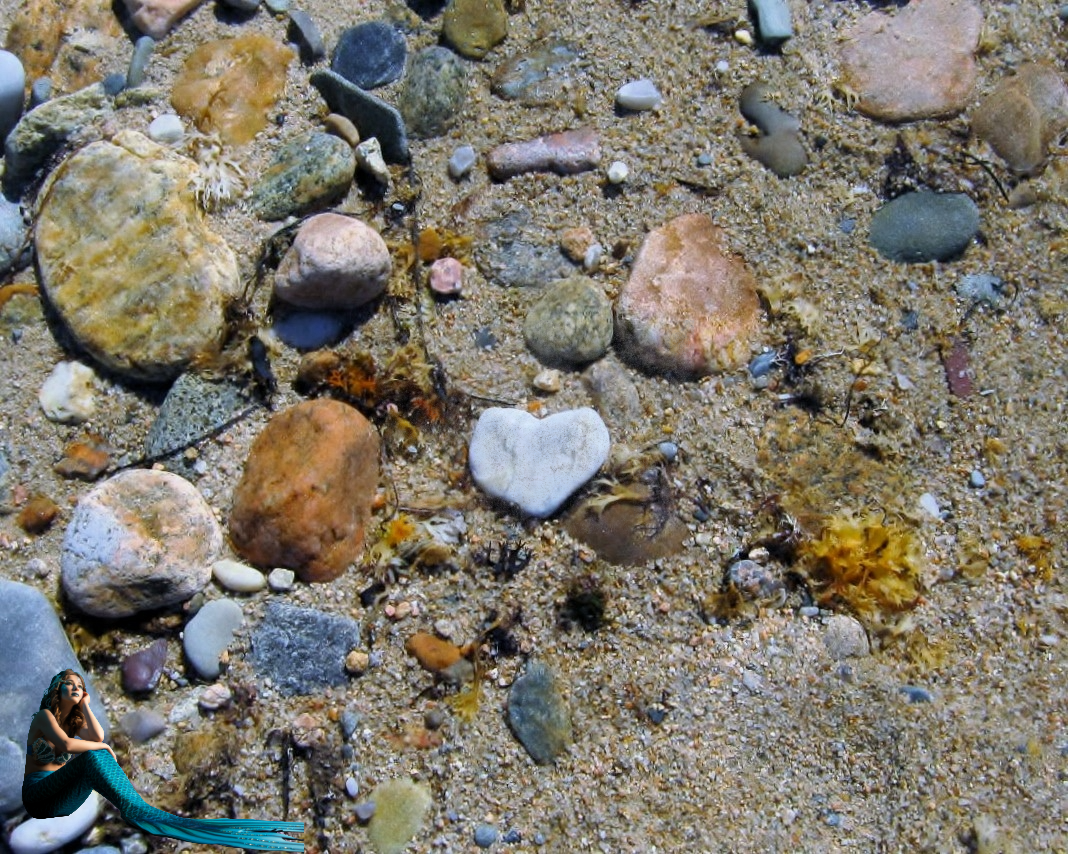
The third photo processing is not so much a change to the original as it is an addition. Look in the lower-left corner, and you will see a bit of editing I did in Adobe Express.

Thanks to Xingfu Mama for hosting this challenge for February.

Play – Sabbath Day

sabbath-rejoice-2

I delight in the Sabbath Day. I rejoice in worshipping God our Father on this day of the week he has set aside as holy. It is also a day he asks us to rest. I enjoy the day of rest by forgoing everyday, monotonous tasks and playing a little. Some of my favorite ‘playgrounds’ are the many sites around the web that allow for photo tweaking. The photo above started out rather tame as a still life of one of my Willow Tree Angels amid a patch of ivy in my backyard. The photo was tweaked through the free site LunaPic. I used one of their art filters to alter the appearance of my photograph. It’s easy to upload a photograph and play with it. Have a blessed Sabbath!

img_4232

Click here to visit LunaPic.

Phlowers & Phun – Tweaking The Tulips

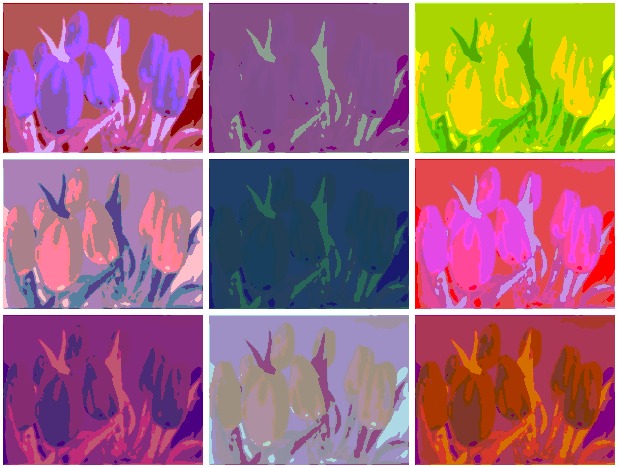
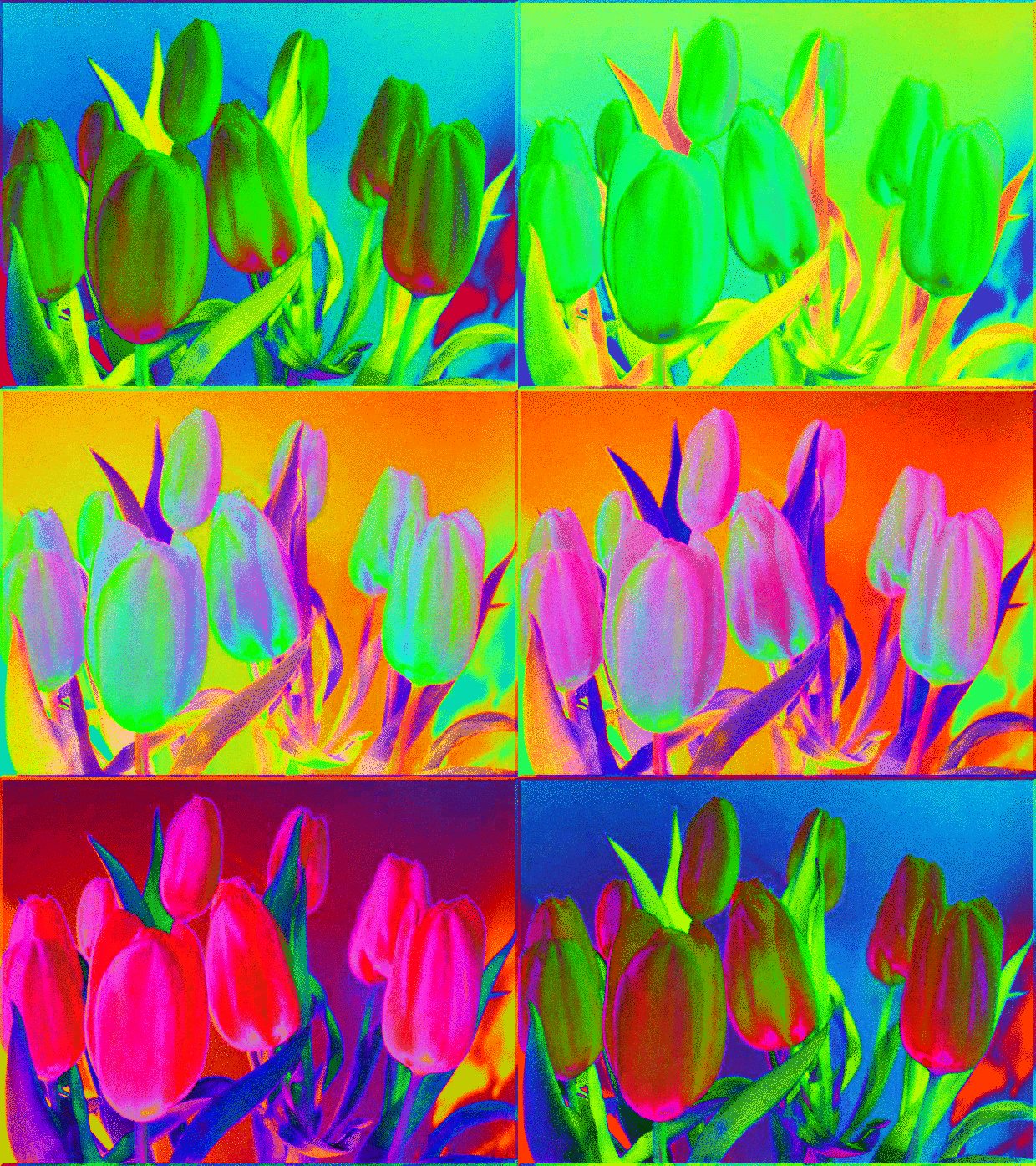
Andy Warhol Effect in LunaPic

The focus of yesterday’s post was a stand-alone photograph of yellow tulips. The flowers are beautiful on their own, but today I’m in a “tweaking” mood. I’m going to go to LunaPic and tweak the photograph a bit.

Tweaking – to change (something) slightly in order to improve it : to make small adjustments to (something) ~ Merriam-Webster Dictionary

To start: Upload your photograph to LunaPic. I have found if the upload in the center of the page does not work, it’s best to go to the “File” drop down box, click on “Upload Multiple Images,” and get your photo loaded with that command.

Here are a few samples of LunaPics Free Effects. Remember to “SAVE” your tweaked photograph before you exit the site. Anything not saved will be lost.

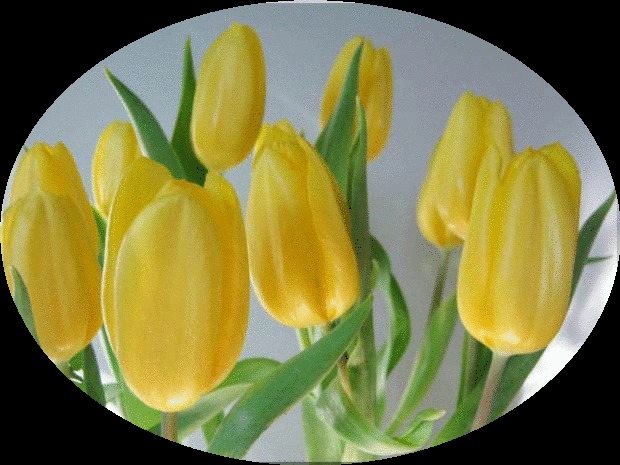
Draw Drop Down Menu - Cut Out Shape Oval
Draw – Cut Out Shape Oval

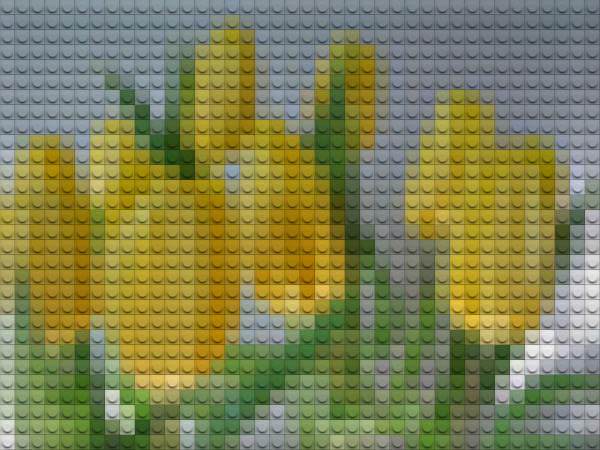
Effect - Lego Style
Lego Effect

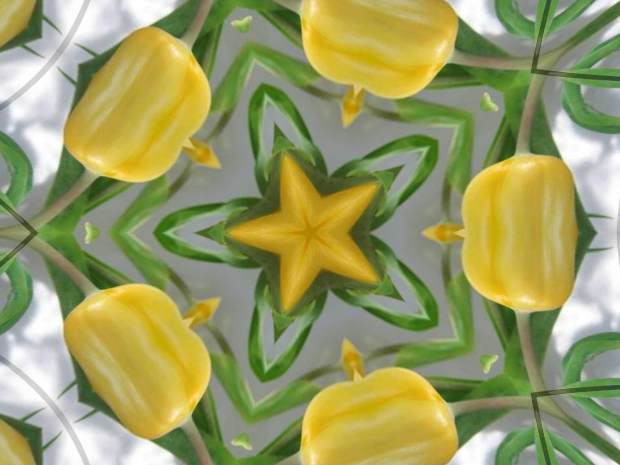
Kaleidoscope Effect
Kaleidoscope Effect

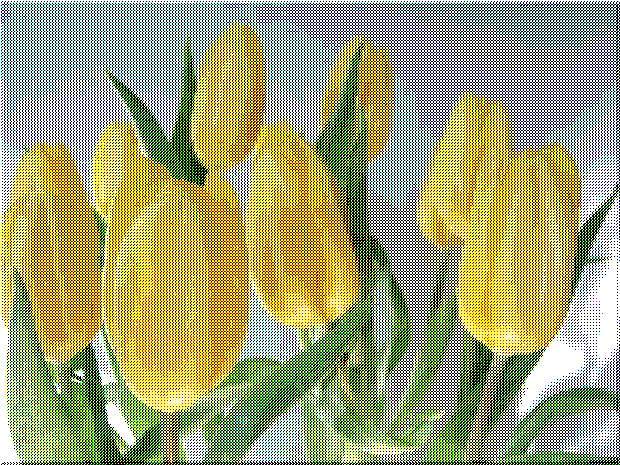
Needlepoint Effect
Needlepoint Effect

3D Effect
3D Effect

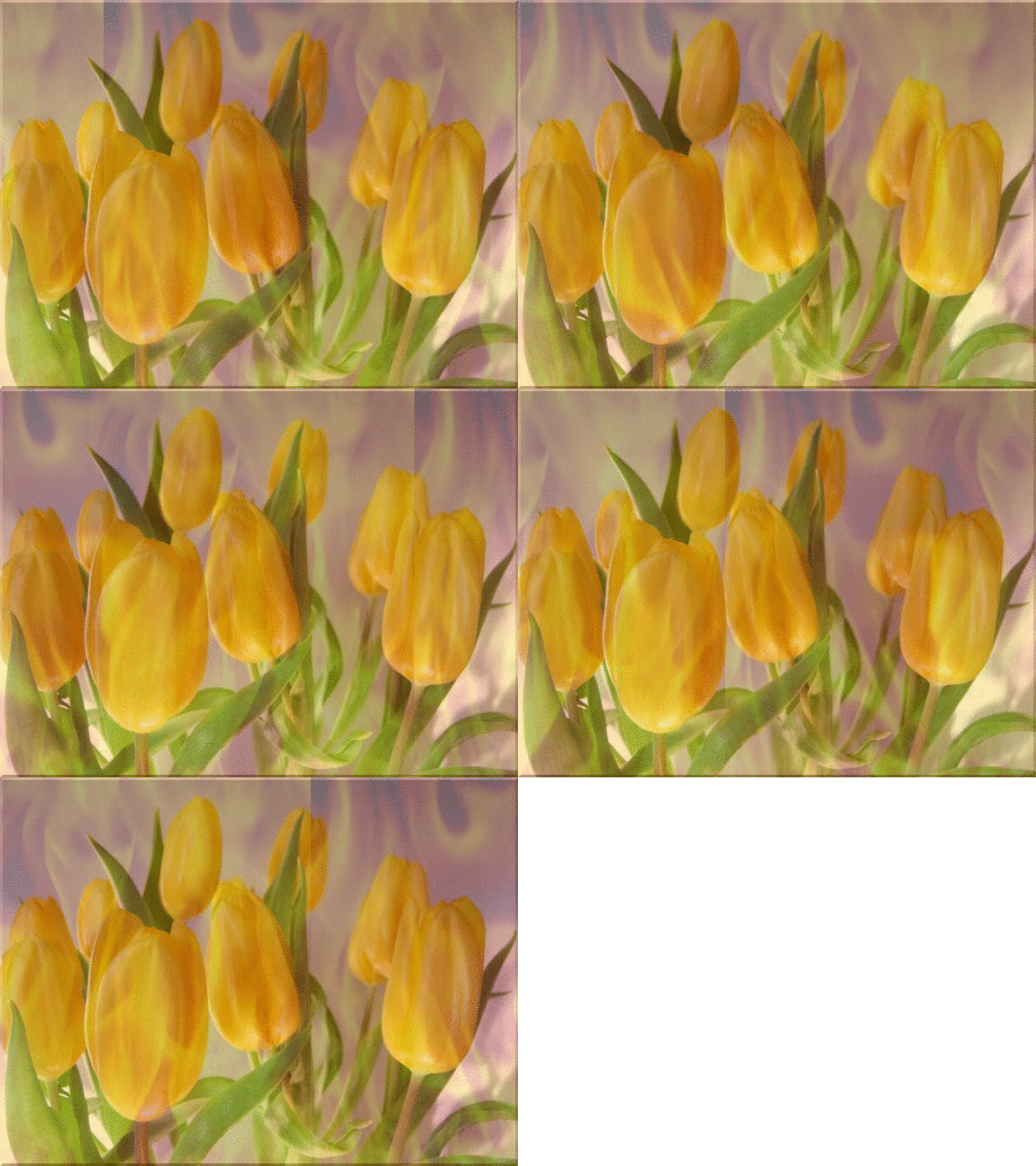
Animation - Fire Effect
Animation – Fire Effect

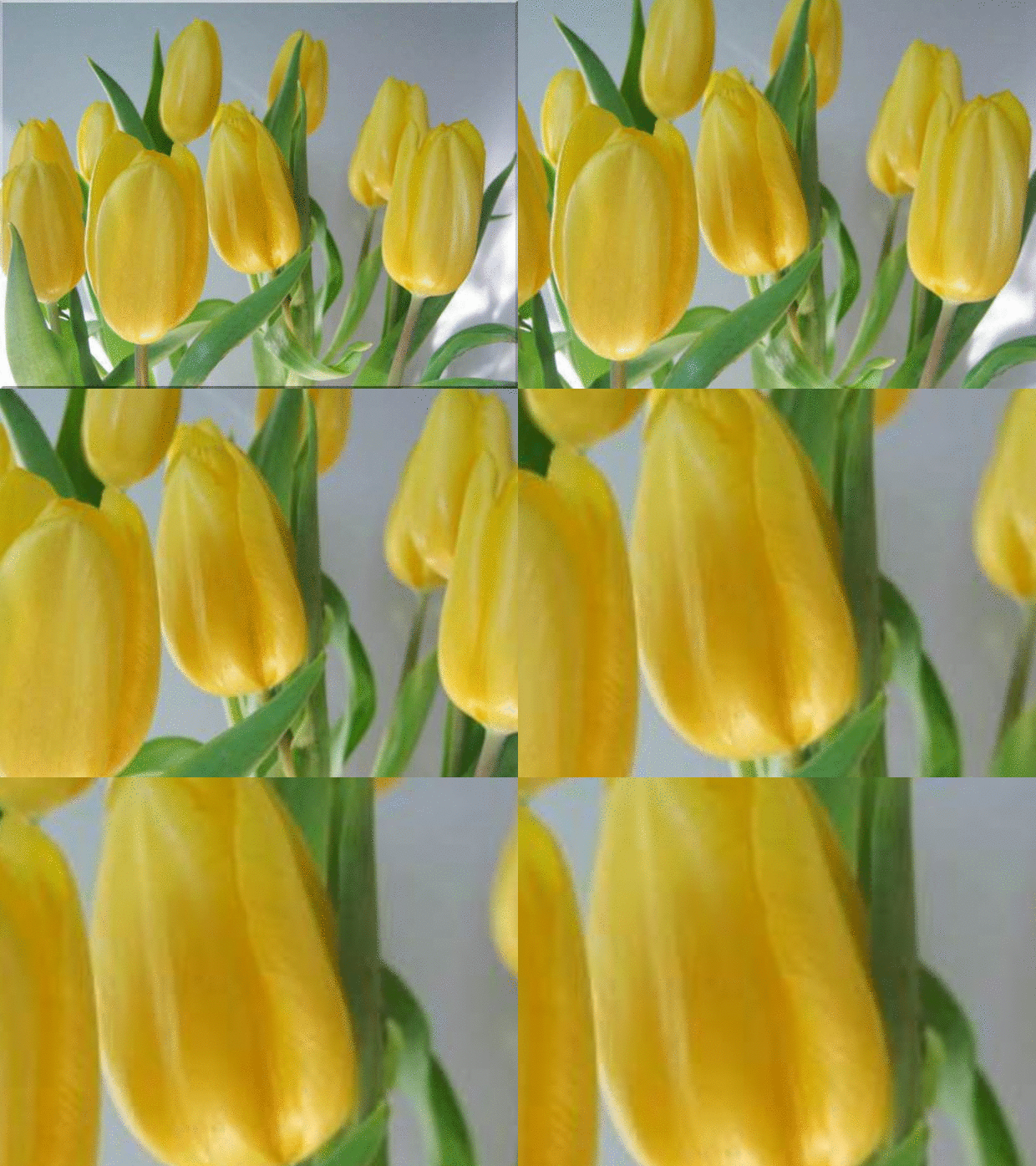
Animation - Zoom Effect
Animation – Zoom Effect

Animation - Groovy Color Effect
Animation – Groovy Color Effect

Yikes! The animated effects can make me a little dizzy. There are so many effects and combinations to have “phun” with on the LunaPic Site. I’ve only shown a few. Give LunaPic a try…Happy Tweaking!